
Before extra chairs arrive for a game or movie, compare the view from each planned seat. A screen that suits the middle of the sofa may be awkward from the side chair. Make a seat-by-seat plan first; a mount’s advertised swivel angle is not a promise that every seat will have the same picture.
Map the seats you will actually use
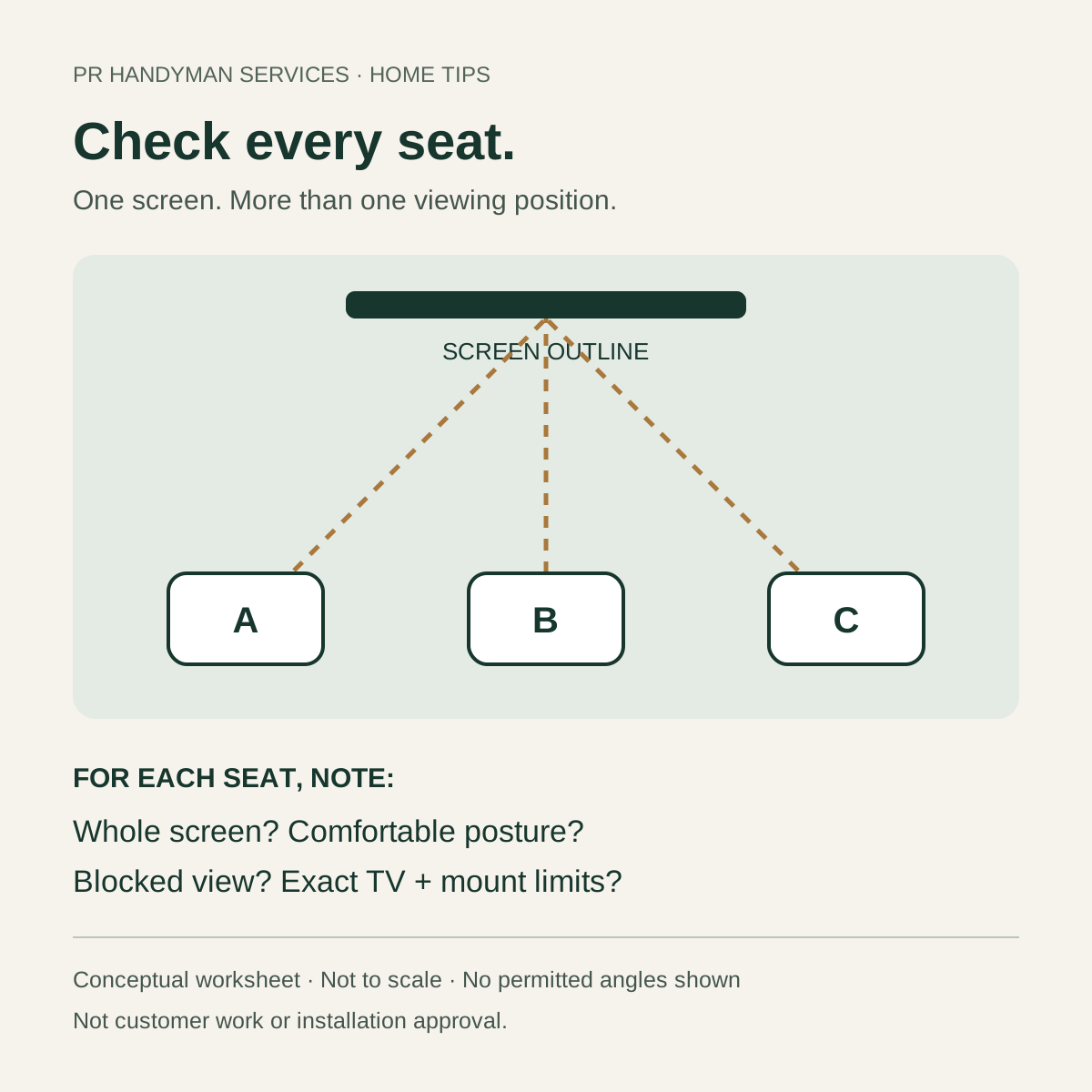
Sketch the screen and label the sofa and extra chairs A, B and C. Sit in each position at normal seated height and posture, including a reclined position if that is how the seat will be used. Note whether the whole screen is visible, whether you turn your head or raise your chin, and whether another person or furniture blocks the view. Include the normal route through the room rather than filling it with extra chairs.
Separate three observations: how much of your view the screen occupies, how far you sit to its side, and how high or low you look. These are different questions. Samsung’s TV-size guide considers distance, screen size, resolution and room use together. Its general buying guidance is not a model-specific off-axis picture-quality guarantee or a mounting specification.
Try a paper outline before planning new holes
For a proposed TV position, use the exact model’s outside width and height, not its diagonal screen-size number. Draw a reduced-size plan on paper, or make a lightweight full-size paper outline if it can be positioned safely without climbing, marking a delicate finish or touching an existing screen. Mark the proposed screen center and compare the outline from each seat. Use our viewing-height guide for the separate seated-height check.
An outline can reveal a blocked edge or an awkward position; it cannot reproduce the TV’s picture, glare or motion. For an existing safely installed TV, compare its unchanged picture from the planned seats at the usual viewing time. Do not pull on an unfamiliar mount, loosen bolts, move a heavy screen or test wall support to complete the worksheet. If equipment appears loose or damaged, keep clear and arrange an appropriate assessment.
Check the exact TV and mount limits
Record both model numbers and obtain their matching manuals. Confirm whether the mount is fixed, tilt-only or full-motion, and have an appropriate installer review any proposed movement, compatibility and installation conditions. The mount’s own tilt, swivel and extension figures belong to that model; they do not establish the actual usable movement of a particular TV near a wall, cabinet or doorway.
For example, the official SANUS VLF728 page lists its own movement specifications, manual and TV-model compatibility tool. This is a document-finding example, not a recommendation or an angle to copy. Check the actual screen dimensions, nearby obstructions, cables and both manufacturers’ instructions. A headline degree figure does not establish wall capacity, suitable fixings or safe clearance. Our mount-selection guide covers those separate questions.
Make one row for each seat
Copy this list for each planned seat. Leave unknowns blank rather than assigning a universal acceptable angle.
- Seat ID and posture: A / sofa / upright, for example.
- View: whole screen visible, blocked edge or head-turning concern?
- Picture: any visible change from that seat on the actual TV, if safely observable?
- Room: windows, lamps, people or walking routes affecting the view?
- Possible change: reposition a chair, reduce seating, or request an equipment/location review?
- Open question and owner: exact TV/mount instruction or site condition still to check.
Fictional planning example: seat A has a clear view; seat B is partly blocked by a tall chair; seat C requires an uncomfortable head turn. Moving the extra chairs may be the first option to compare. That example gives no dimensions, permitted angles, compatibility result or installation approval for your room. Do not solve an overcrowded plan by blocking a doorway or creating a cable trip hazard.
Share the plan before changing the setup
For a TV-mounting scope review around Raleigh and the Triangle, gather the exact TV and mount models, a safe wide room photo, your seat sketch and the questions you cannot answer. Note furniture, connections and the location you are considering. Our port-access worksheet helps keep plugs and cable access in the plan.
PR Handyman Services can discuss the requested mounting scope after the equipment and site questions are reviewed. Send the details privately for an estimate. This worksheet is not a quote, booking, wall-support assessment or promise that an existing TV can be safely repositioned.