
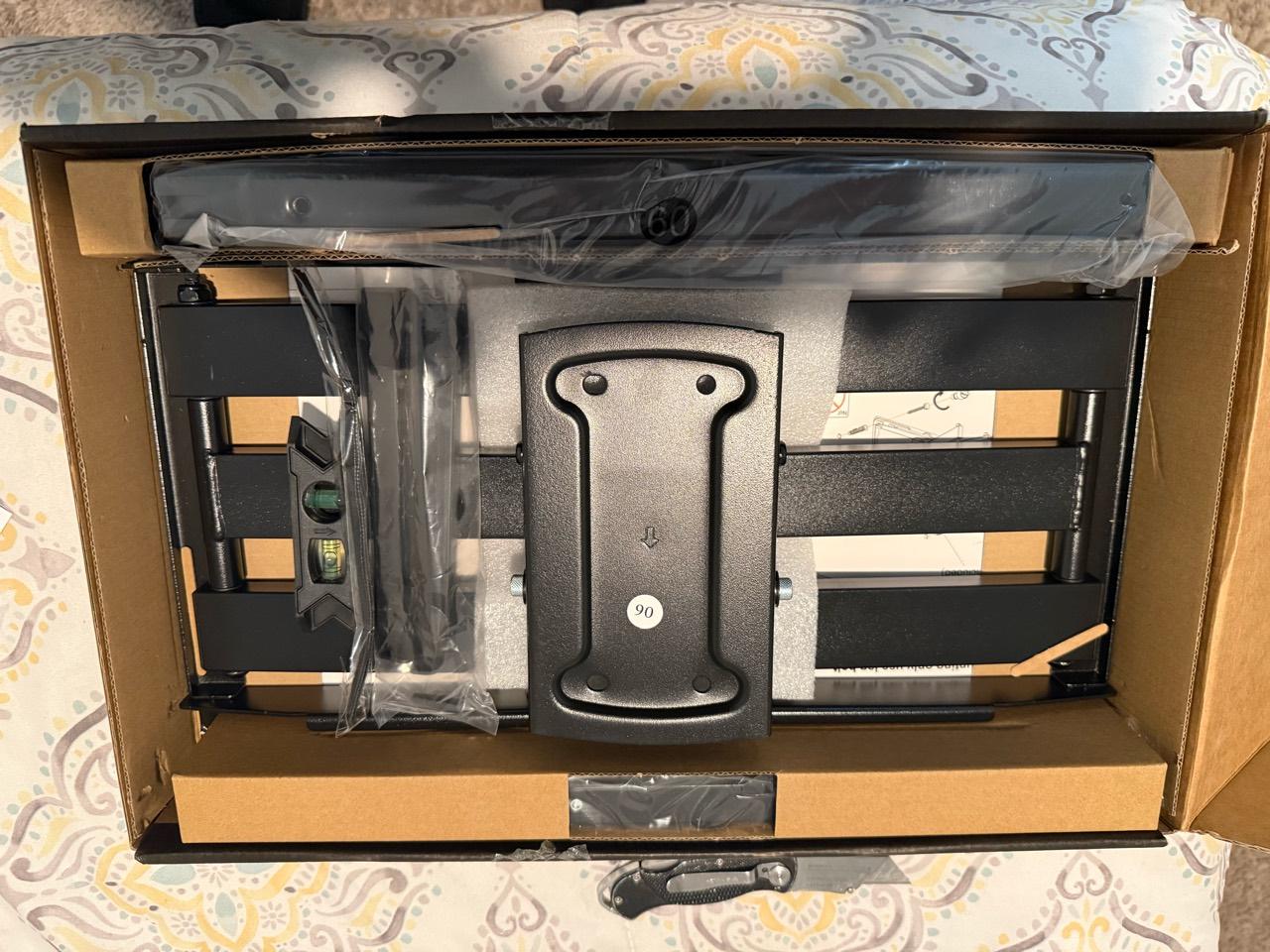
The screen-size range on a mount’s box is a starting point. Before ordering, also check the TV’s mounting-hole pattern, its weight, the wall construction and how you want to watch it. A little homework can prevent a bracket exchange or a change of plan on installation day.
For a Raleigh or Triangle living room, bedroom or bonus room, start with the exact TV model and a wide photo of the intended wall. Then work through these checks.
Find the exact TV information
Save the manufacturer’s product page and manual for your model, including its screen-size variant. Look for:
- Weight without the removable tabletop stand
- VESA mounting pattern
- Required mounting screws, spacers or adapters
- Ventilation and placement requirements
Keep packaging weight separate from TV weight. If a soundbar or another accessory will attach to the mounting system, include it in the compatibility discussion rather than assuming the TV’s weight is the entire load.
Manufacturer instructions matter even when a mount looks right. Samsung warns that screws that are too long can damage the TV internally. Use the specified hardware arrangement for the TV and mount rather than choosing whichever screws appear to fit. Samsung mounting precautions
Match the VESA pattern
VESA describes the spacing between mounting holes on the back of the TV. Measurements are taken from the center of one hole to the center of the other, in millimeters, horizontal distance first and vertical distance second. A 400 × 200 pattern means 400 millimeters across and 200 millimeters vertically. SANUS VESA explanation
Find that pattern in the mount’s supported specifications. Also check whether a special adapter is required and whether the brackets would obstruct a connection you need. If the TV uses a proprietary mounting system, follow its manufacturer’s approved options.
A match on one number does not complete the check. The mount still needs to satisfy the TV’s weight and installation requirements.
VESA: measure between hole centers
- Horizontal first: left hole center to right hole center, in millimeters.
- Vertical second: top hole center to bottom hole center, in millimeters.
Illustrative example: 400 × 200 mm. Verify your exact TV’s manual; screen size does not establish its mounting pattern.
Read the weight limit and wall instructions together
Compare the verified TV weight, plus any supported accessories, with the mount’s stated load limit. Then read which wall constructions and hardware that rating applies to.
For example, the SANUS BLT2 instructions list different limits for wood-stud or concrete installations and steel-stud installations, and require an additional kit for steel studs. They prohibit installation into drywall alone. Those are model-specific conditions, not specifications to borrow for a different bracket. SANUS BLT2 safety instructions
Painted drywall, masonry, tile and decorative panels can hide different supporting structures. If you do not know what is behind the surface, say so when requesting an estimate. Don’t choose anchors by their package rating alone or assume decorative material provides structural support. The installer needs to verify a suitable attachment method for the entire TV-and-mount arrangement.
Choose movement for the way you watch
Use your normal seat to decide what movement is useful:
- A fixed mount suits a position where you generally watch straight ahead and do not need to change the angle
- A tilting mount lets you adjust the screen angle vertically
- A full-motion mount can extend and swivel, within the specific model’s limits
Manufacturers publish the actual range of motion and distance from the wall. SANUS’s VLF828 specification sheet, for example, lists extension, mounting patterns and load capacity separately. Review all of them rather than treating “full motion” as a promise that any large screen can turn to any angle. SANUS full-motion specifications
Picture where the screen edges would go when moved. Consider nearby shelving, corners, doors and people walking through the room.
Test the viewing position before drilling
Sit where you normally watch and imagine the screen at the proposed height. A paper outline or removable, surface-safe tape can help you judge the size. Test tape on an inconspicuous area first.
Use comfortable seated eye level as a starting point, then account for your furniture and viewing habits. There is no single height that fits every couch or room. Samsung’s planning guidance also treats seating position and furniture below the screen as part of the decision. Samsung TV placement guidance
Above a fireplace, have heat exposure, the fireplace’s requirements and the TV’s operating limits checked before committing. A tilting bracket does not remove those concerns.
Leave room for connections
Before choosing an especially slim mount, check where the TV’s ports face and how plugs will fit. Plan the power source, cable route and any soundbar together. For a moving mount, cables must accommodate its intended movement without pulling tight or being pinched; have the installer check that at the final positions.
Common questions
Is a “universal” mount guaranteed to fit?
No. Confirm the mounting pattern, supported weight, hardware and installation conditions for the exact equipment.
Can I reuse my existing mount?
Possibly, after identifying its model and checking its condition, complete hardware, instructions and compatibility with the new TV and wall.
What does PR Handyman need for an estimate?
Send the TV model, mount link, wall and room photos, desired placement and cable preferences. See TV mounting services or request a project estimate before buying uncertain hardware.