
Before choosing a TV mount, make a port-access worksheet for the connections you actually use. For each one, record the exact device and socket, the direction the plug enters, the space the actual plug and cable need, and whether you will reconnect it later. Compare the worksheet with the exact TV and mount manuals; a matching mounting pattern does not establish port access.
Make a per-port worksheet
Use the manufacturer's connection diagram or a safe, clear photo while the TV is stable and accessible. Do not turn, lift or balance a large screen alone to take a photo. Record unknowns as unknown rather than estimating from a connector name.
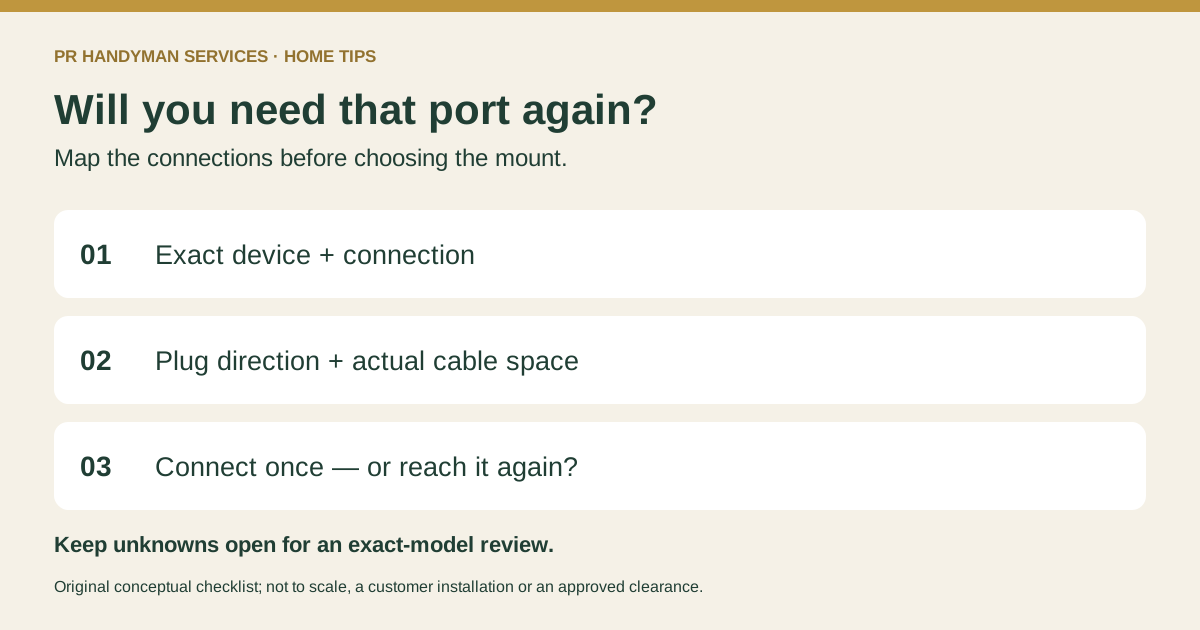
| Connection / device | Port faces | Actual plug + cable space | Connect once or revisit? | Installer question |
|---|---|---|---|---|
| Streaming device / exact HDMI port | Side, rear or down: ____ | ____ / unknown | ____ | Can this plug be connected in the planned position? |
| Console / other HDMI port | ____ | ____ / unknown | ____ | Will I need to swap this cable later? |
| Power connection | ____ | ____ / unknown | ____ | Does the planned route follow the equipment instructions? |
| Antenna, network, audio or other | ____ | ____ / unknown | ____ | What still needs checking? |
Include the plugs and cables you own, including bulky housings or existing adapters. A port label does not tell you how far the connected plug and cable will project. Do not force a tight bend or assume a right-angle adapter will fit the socket, neighboring ports or signal requirements.
Separate initial connection from future access
Mark connections you may need again: a console you swap, a streaming device you replace or a cable you disconnect. Ask how each will be reached in the proposed mounted position. Fixed, tilting and full-motion labels alone do not answer that question; compare the exact bracket's permitted movement and dimensions with the TV's connections.
For a model-specific example, Sony's rear-terminal guidance explains that some specified TV and bracket configurations leave rear terminals inaccessible and directs readers to the exact manual. That is not a rule for every Sony TV or a claim about the model named in the link.
Our mount-selection guide covers the broader equipment and wall checks. Keep access questions open for the installer; do not pull an installed screen away from the wall or loosen its hardware to reach a socket.
Keep routing and ventilation questions open
Note the outlet and device locations alongside your worksheet. Cable movement must suit the actual equipment instructions. Sony's ventilation guidance says openings must remain clear and refers readers to their TV manual. Do not use a generic wall gap as proof that the port or ventilation space is adequate.
The cable-management guide covers routing choices. Do not run ordinary TV power cords inside walls. New outlets and other electrical work are separate from basic cable organization and may require a licensed electrician.
Share the worksheet with the project details
- Exact TV and mount models, product links and manuals.
- The completed port worksheet and safe photos or diagrams of the connections.
- A wide wall photo, wall material if known, outlet position and nearby furniture or soundbar.
- Property permission where needed, and every unanswered access or routing question.
PR Handyman Services offers TV mounting and basic cable organization around Raleigh and the Triangle, subject to review of the actual equipment, wall and location. Request an estimate with the details you have; unknowns can remain open for review.