
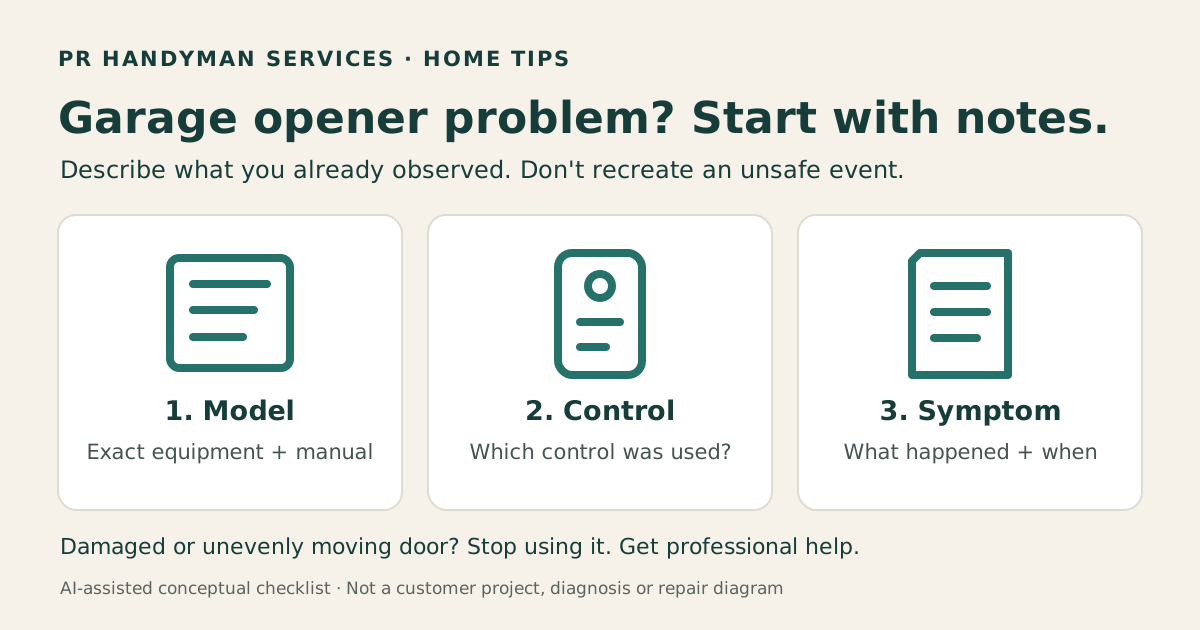
If a garage door remote stops working or the opener behaves differently, start with a short description of what you have already observed. Note the exact equipment, which control was involved and what happened. Those details help a service provider decide what needs checking; they do not prove that the remote, motor or door is at fault.
Stop if the door is damaged or moving unevenly
If the door sticks, binds, moves unevenly or has visible damage, stop using it and contact a trained garage door professional. Do not pull the emergency release or try lifting a questionable door to investigate. Chamberlain warns against disconnecting an open door because a weak or broken spring can allow it to fall.
Do not adjust springs, cables, pulleys, brackets or related tensioned hardware. Keep people and pets away from the door's path. This guide is for recording symptoms, not testing the door or repairing its mechanism. Chamberlain's garage door safety guidance explains when professional help is needed.
Identify the equipment without opening it
Gather the opener brand and full model number from an existing manual, purchase record or a label you can read safely from the floor. Note the remote or wall-control model separately if you have it. A remote's label is not necessarily the opener's model.
Chamberlain's model-number guide shows that label locations vary. Do not climb, remove a cover or reach around moving equipment just to find a number. If it is inaccessible, send a safe wide photo and say that the model is unknown.
Keep the matching manual with your notes. Use the manufacturer's instructions for the exact equipment rather than a similar-looking unit. Chamberlain and LiftMaster owners can start with the official manuals and parts directory.
Record which control was involved
Write down whether the symptom occurred with the handheld remote, wall control, keypad, vehicle control or app. If you already know that one control worked and another did not, include that distinction. If you have not checked, write “not checked” instead of operating the door to fill a blank.
Useful notes include whether all remotes were affected or only one, and whether the issue started after a battery change, outage, new accessory or other recent change. Record what you know without guessing a cause. Do not erase programming, reset settings or share a keypad PIN as part of a help request.
Describe the symptom without recreating it
Be specific about the event you observed: no response, a click, a hum, partial movement or a reversal. Note whether it happened during opening or closing and whether it occurred once or repeatedly. Include visible light colors, flash patterns or an exact displayed message only if you can observe them safely.
A blink count alone is not a universal diagnosis. Chamberlain's reversal guidance distinguishes notifications across equipment generations. Match any interpretation to the exact model and its instructions; do not change force or travel settings based on a generic video.
Make a short private help request
- Opener brand, model and matching manual, or “model unknown”
- Control involved and any known differences between controls
- What happened, when it began and relevant recent changes
- Any safely visible message or indicator pattern
- A wide garage view and accessible detail photos taken from the floor
- Visible damage, uneven movement or another reason you stopped using the door
- General service area and whether another garage entrance is available
Keep PINs, account passwords, access codes and personal documents out of photos. Share project details privately, and do not reproduce an unsafe event for a video.
Ask for the right scope of help
For a Raleigh or Triangle project, send PR Handyman Services your opener details and symptom notes to ask whether an opener installation or replacement assessment fits the requested scope. Door, spring and cable repairs need a trained garage door specialist; new outlets or circuit work need a licensed electrician. A symptom list is not a confirmed diagnosis, repair quote or booking.
If replacement is being considered, use our garage opener buying checklist before ordering. Our estimate-photo guide helps you gather useful images without opening equipment.